


Description
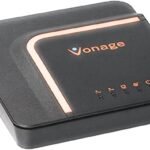
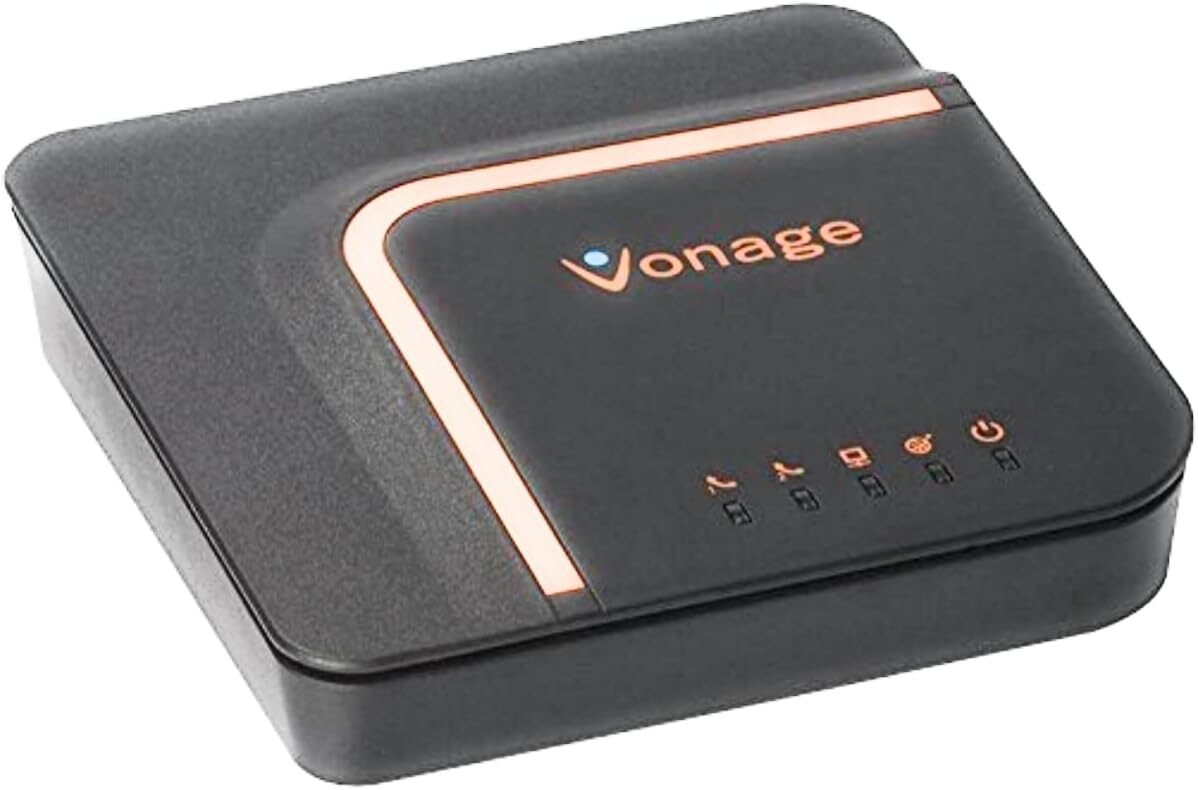
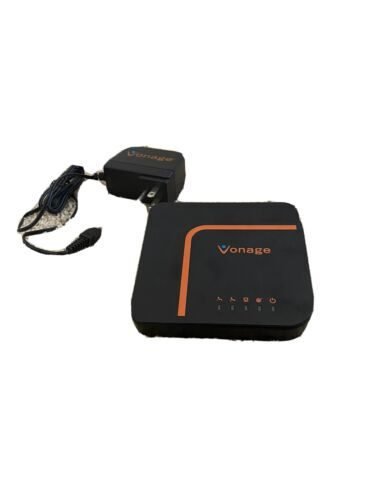
The Vonage VoIP Phone Adapter is the ultimate solution for upgrading your phone system with high-quality digital voice service.
Ready for use; just call Vonage and give them the mac number from the router bottom or box and they will set everything up for you for 2-phone lines in 1 router. Easily have 1 business line and 1 personal line in your home office.
Simply connect your existing phone to this easy-to-install adapter, and enjoy crystal-clear calls with Vonage’s reliable VoIP service.
Elevate your communication experience with the Vonage VoIP Phone Adapter—reliable, cost-effective, and perfect for everyday use.
| Icon | Description | Function |
| Orange Circle | RESET | Press the RESET and hold for at least 10 seconds to return your Vonage Box settings to the factory default. |
1.  | Power Port (Orange) | Connect the power adapter included with your Vonage Box to this port and plug the other end into a power source. |
2.  | Internet (WAN) Port (Blue) | Connects your Vonage Box to the Internet using the Blue Ethernet cable included with your Vonage Box. This port is equipped with a spring clip that makes insertion of the Ethernet cable a tight fit. To plug in cable, insert and lift until it clicks. |
3.  | Ethernet (LAN) Port (Yellow) | Connect your Vonage Box to your computer or LAN. This port is equipped with a spring clip that makes insertion of the Ethernet cable a tight fit. To plug in cable, insert and lift until it clicks. |
4.  | Phone Port 2 (Green) | Connects to the phone cable. If you have two Vonage phone lines, connect your second phone cable to this port (Phone Port 2). |
5.  | Phone Port 1 (Green) | Connects to the phone cable. Connect single phone cable to Phone Port 1. |


Reviews
There are no reviews yet